01
iCloud sync across Macs (Pro)
Sync text, links, tags, favorites, and deletion states across Macs. Off by default, with no image or file-content uploads.
 MokoPaste
for macOS
MokoPaste
for macOS
macOS Menu Bar Clipboard Companion
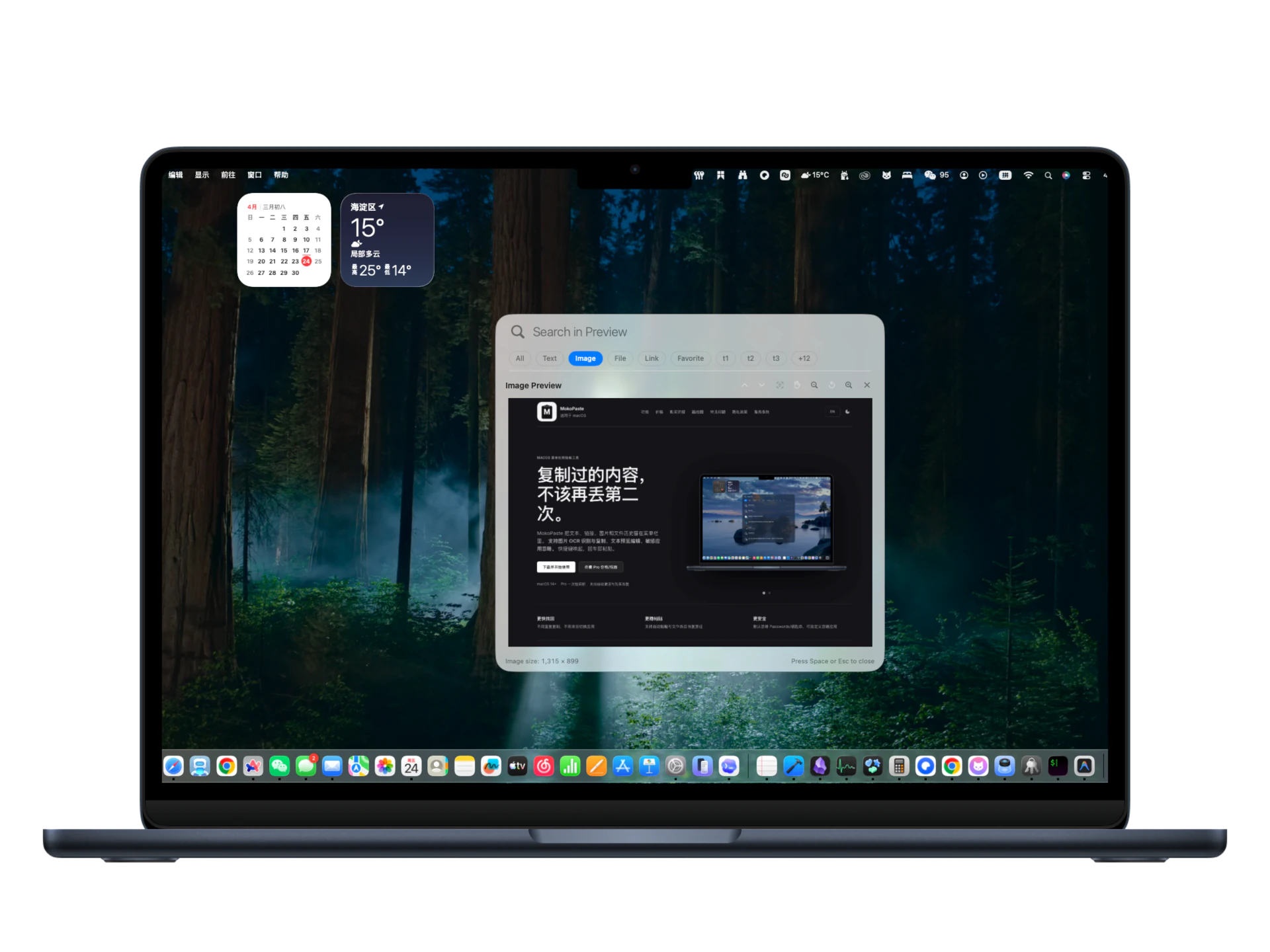
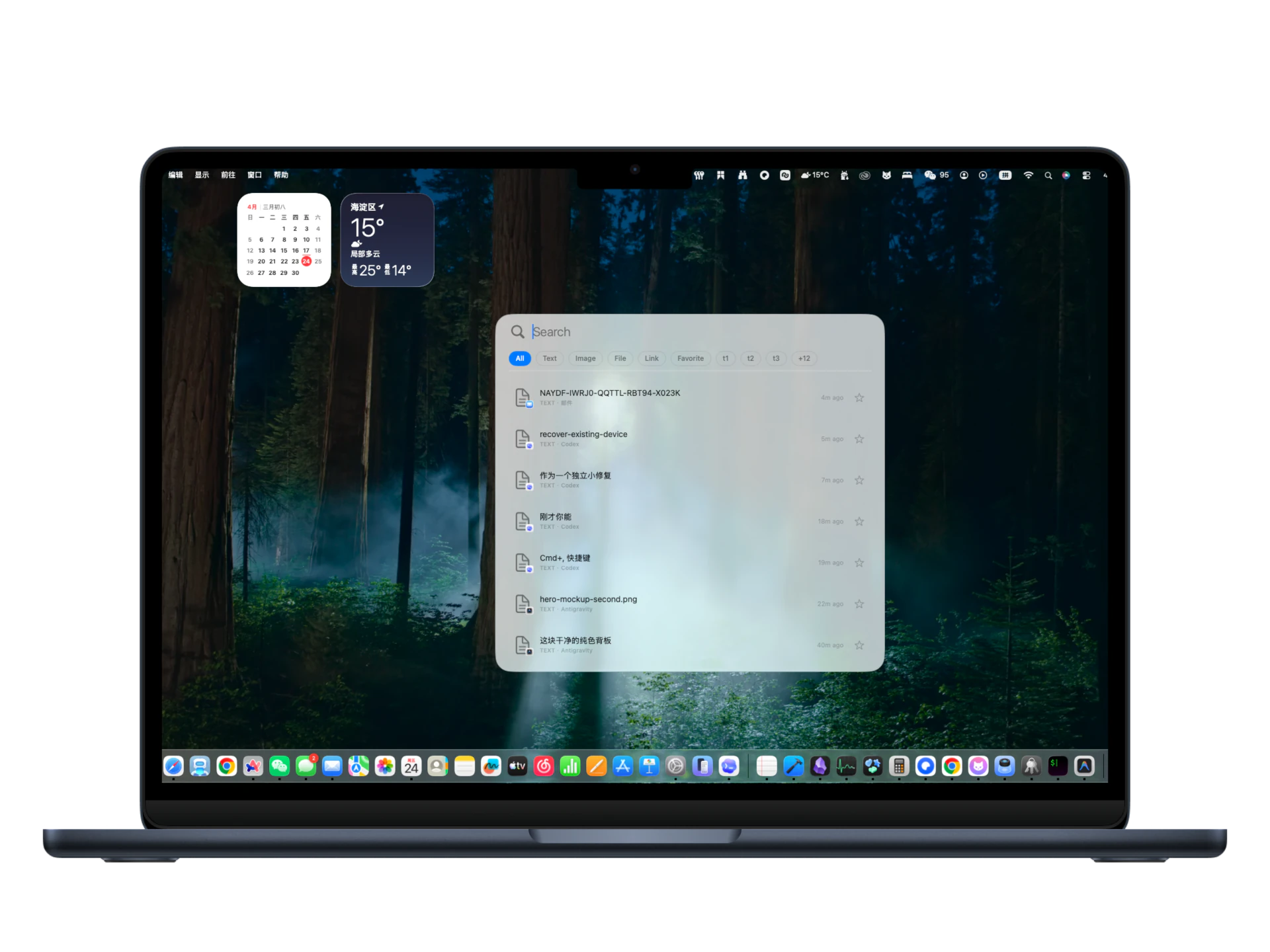
MokoPaste keeps text, links, images, and file history in your menu bar. Includes image OCR extraction and copy, text preview editing, and sensitive-app ignore rules. Launch with a shortcut and paste with Enter.
The first 100 spots were allocated faster than expected. Thanks for the incredible support, we are temporarily adding 50 more free licenses. Please activate within 1 hour after claiming, or the spot will be recycled.
Why MokoPaste
Sync text, links, tags, favorites, and deletion states across Macs. Off by default, with no image or file-content uploads.
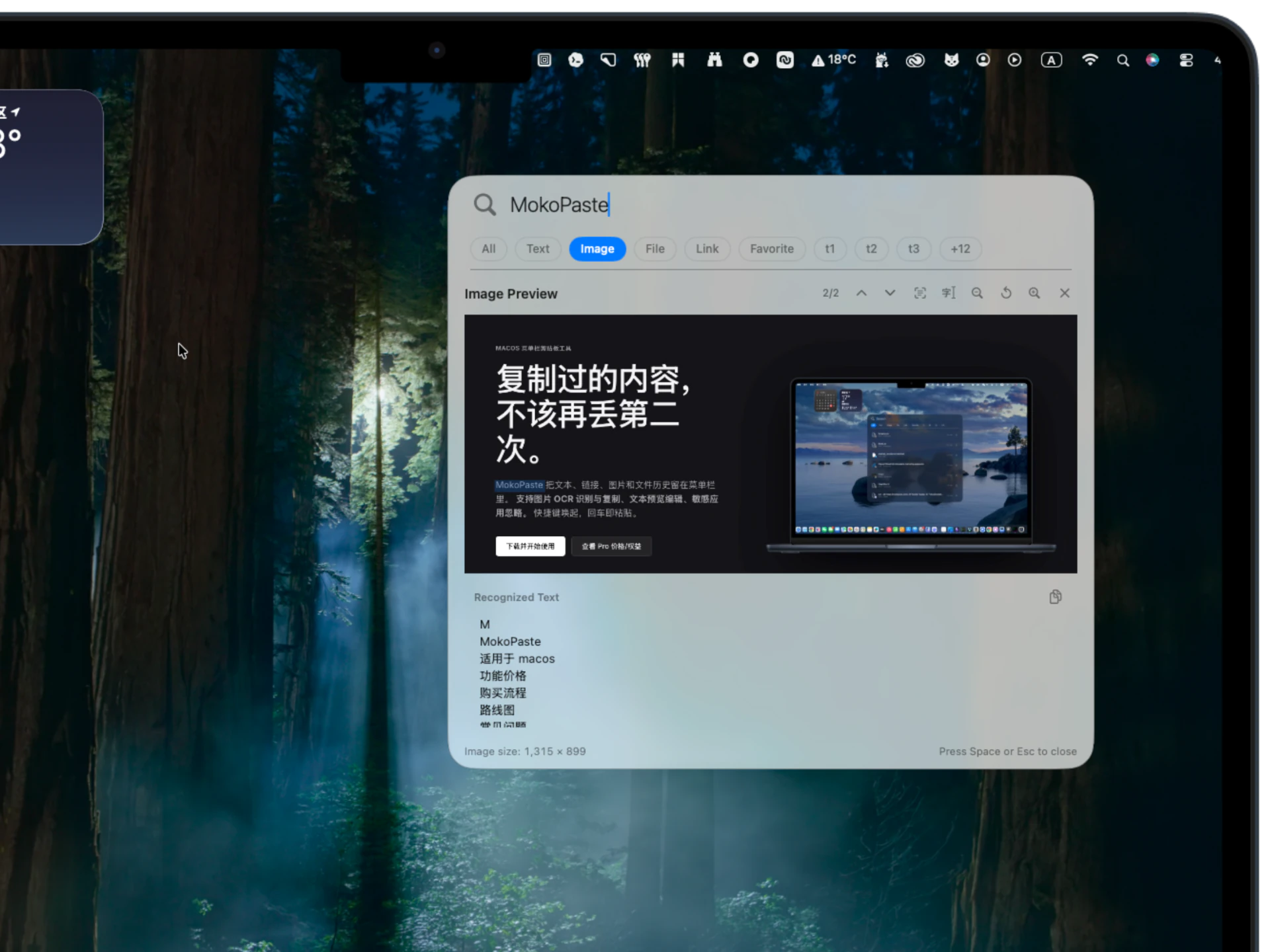
Recognize text from image previews and copy in one click.
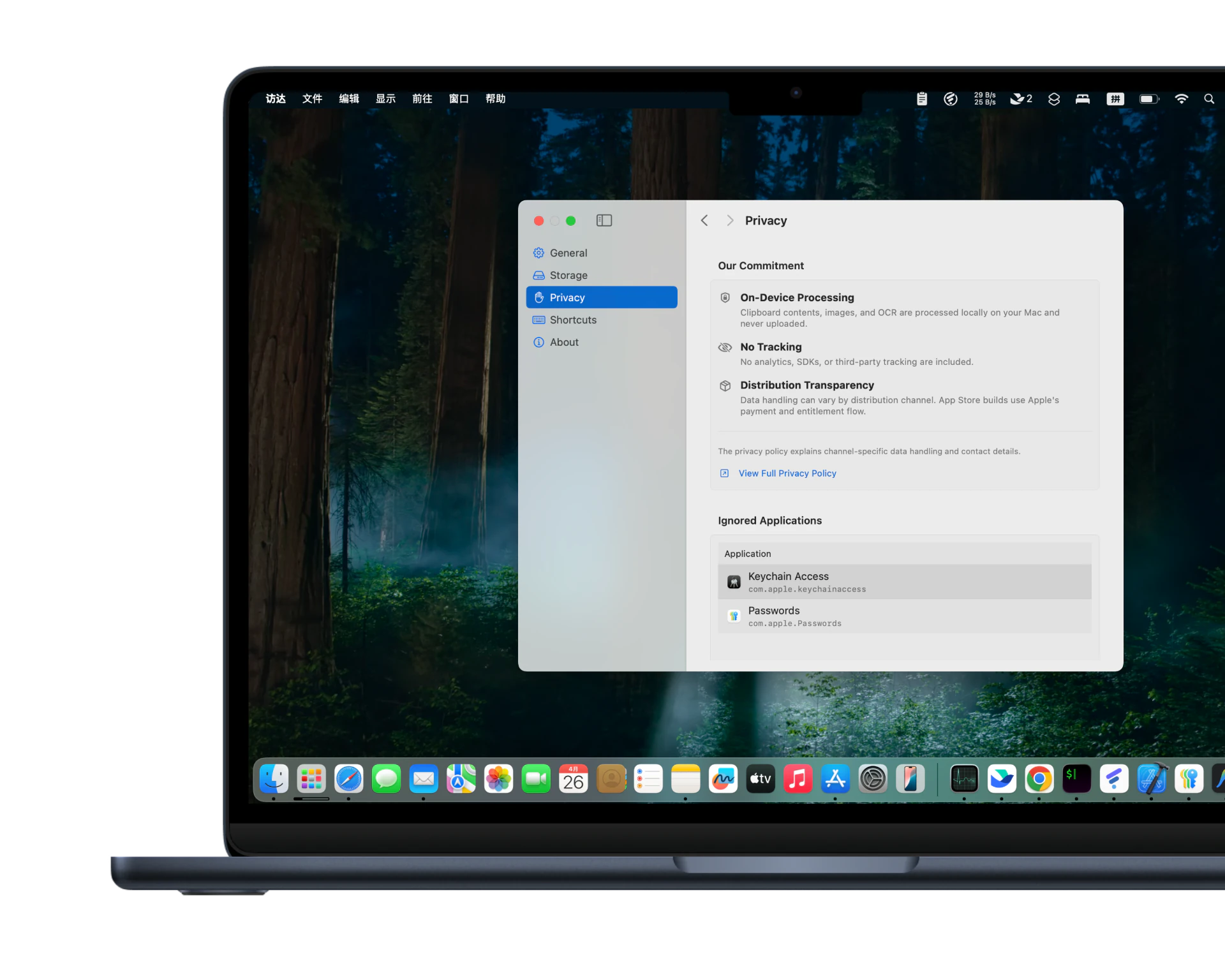
Passwords and Keychain-related apps are ignored by default. You can add any app to avoid capturing sensitive content.
Search by text, links, and source app names to locate common content in seconds.
View the Mac clipboard history guide →Double-click or press Enter to paste to the current cursor location with less context switching.
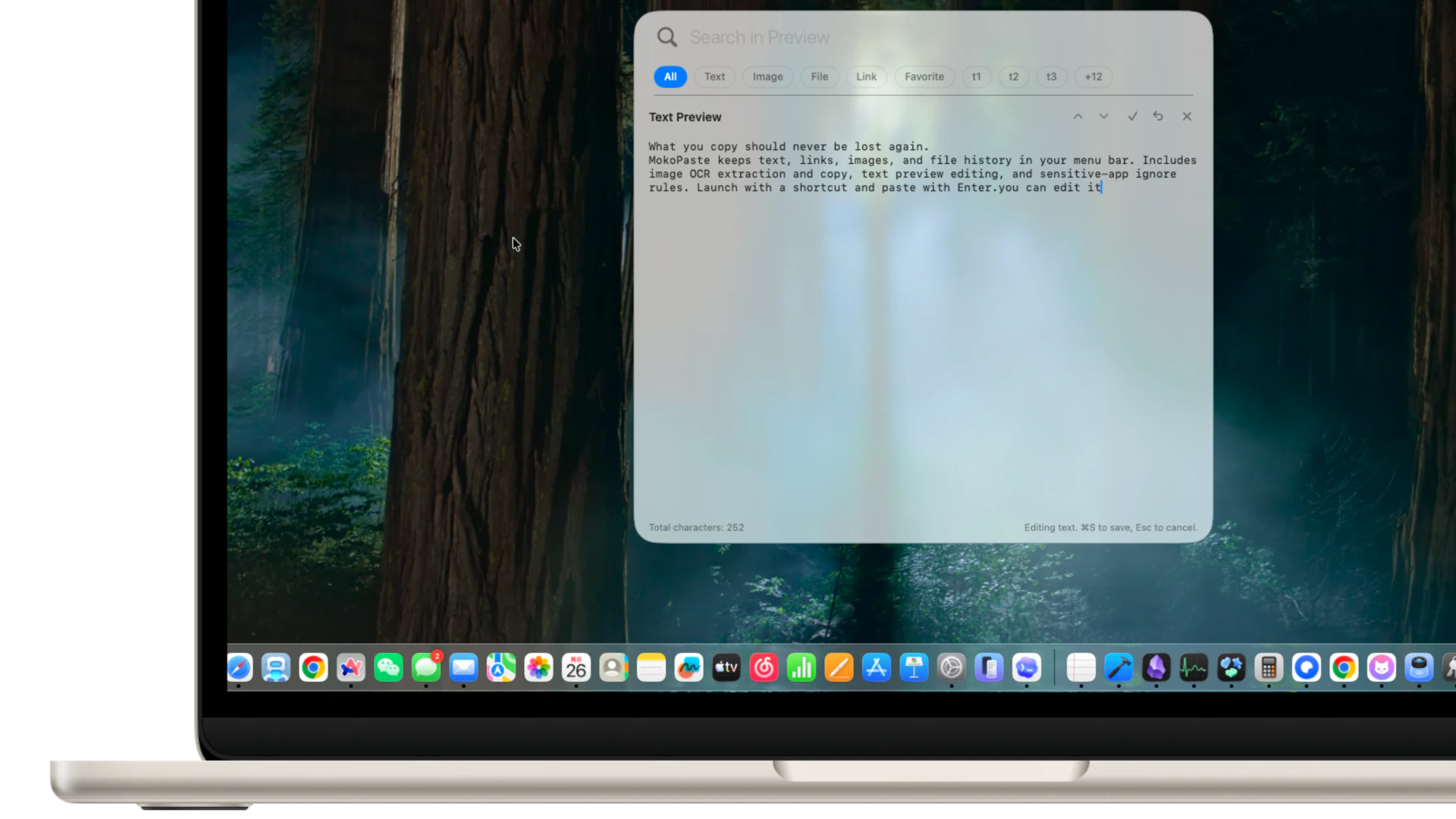
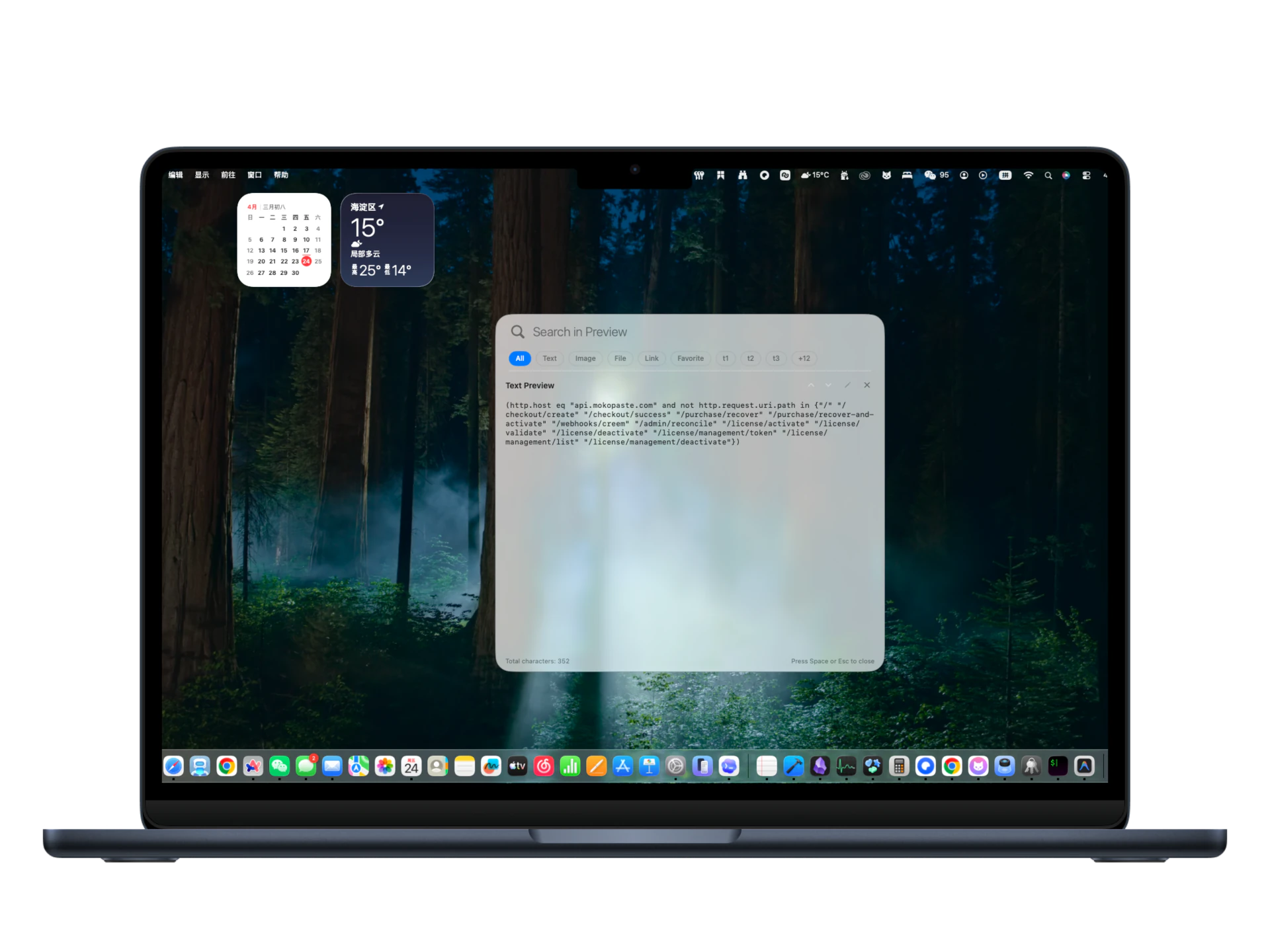
Edit text or links in preview before sending them to target apps.
Pin high-frequency snippets to reduce overwrite risk. Free supports up to 20 favorites.
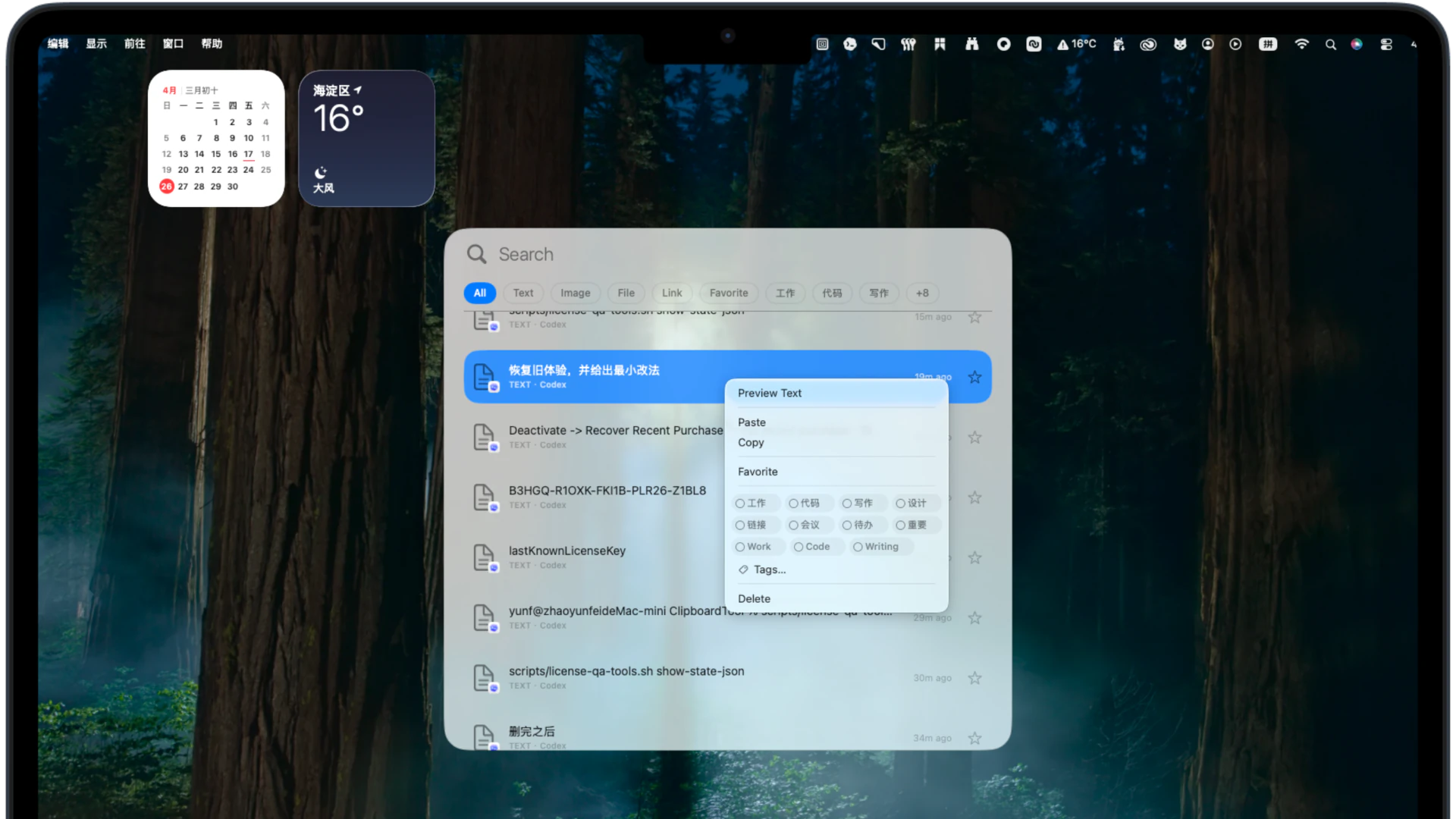
Use custom tags and colors to distinguish different kinds of content at a glance. Free supports up to 3 custom tags, while Pro supports up to 15.
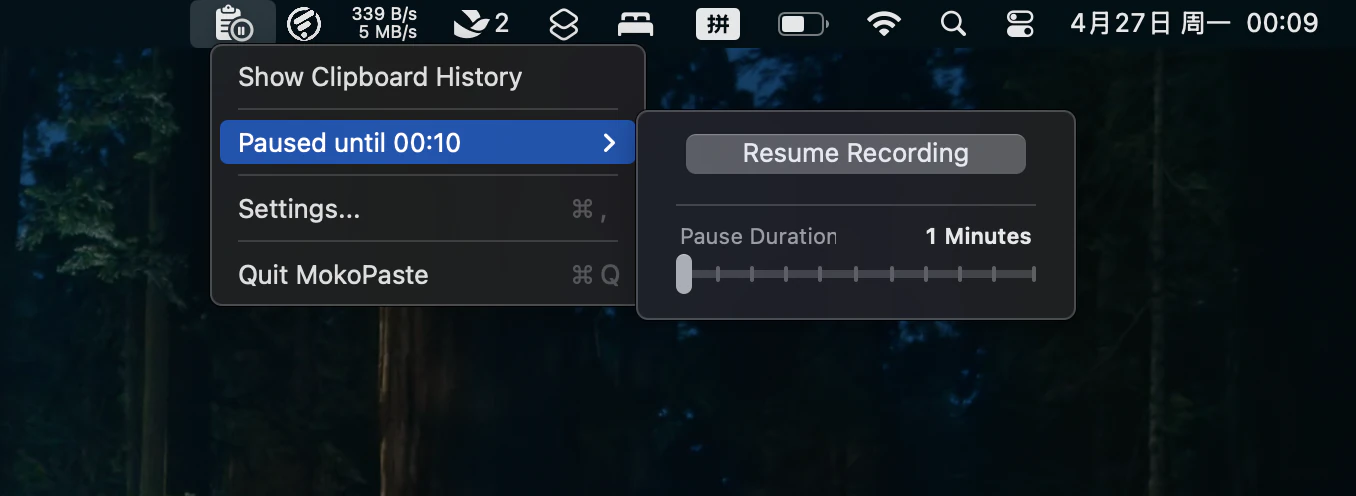
Pause monitoring, clear history, and adjust storage capacity at any time to balance efficiency and privacy.
Pricing
Free
For lightweight clipboard usage
PRO (One-time Purchase)
Pay once and use long-term. The checkout total applies, and future price changes will not affect existing customers.
Payment Flow
* Activation issues? Tap "Recover Purchase" or enter your license key manually.
Roadmap
We plan to preview more documents, code files, archives, and other common formats, helping you identify copied files without leaving MokoPaste.
We plan to improve recognition and presentation for rich text, Markdown, HTML, JSON, and code while preserving structure for clearer reading and copying.
We plan to expand search across OCR text, file information, and structured text so more clipboard content can be found by keyword.
These capabilities are still being planned and developed. Scope and availability may change and are not commitments for the current version.
Get Started
Both versions share the same core experience. The website version supports website licensing, trials, and faster access to new releases; the App Store version uses your Apple ID for downloading, updates, and Pro.
Purchases and licenses are separate. Website updates usually arrive sooner; App Store updates require Apple review. View pricing and benefits
FAQ
The Pro plan is currently a one-time purchase. Pay once for lifetime access to all current features and receive all maintenance and updates for the current version at no additional cost.
Each license supports activation on up to 3 devices simultaneously. If you change computers, you can manage and deactivate old devices in the "License Management" section of an activated app to free up slots.
Required for the "Auto Paste" feature to work across applications. It allows MokoPaste to inject content directly into the active window when you click an item. This permission is strictly for input assistance and does not involve any privacy tracking or logging.
If you encounter issues during purchase or activation, or wish to request a refund, please contact [email protected]. We will provide prompt assistance to ensure all concerns are resolved.